


Halloween video · Generated sample
La Calabaza Dance AI
Three copies of one orange cat perform a roadside dance, each following its own movement track. A black hat distinguishes the center cat, while glasses mark the right-hand dancer.
Watch example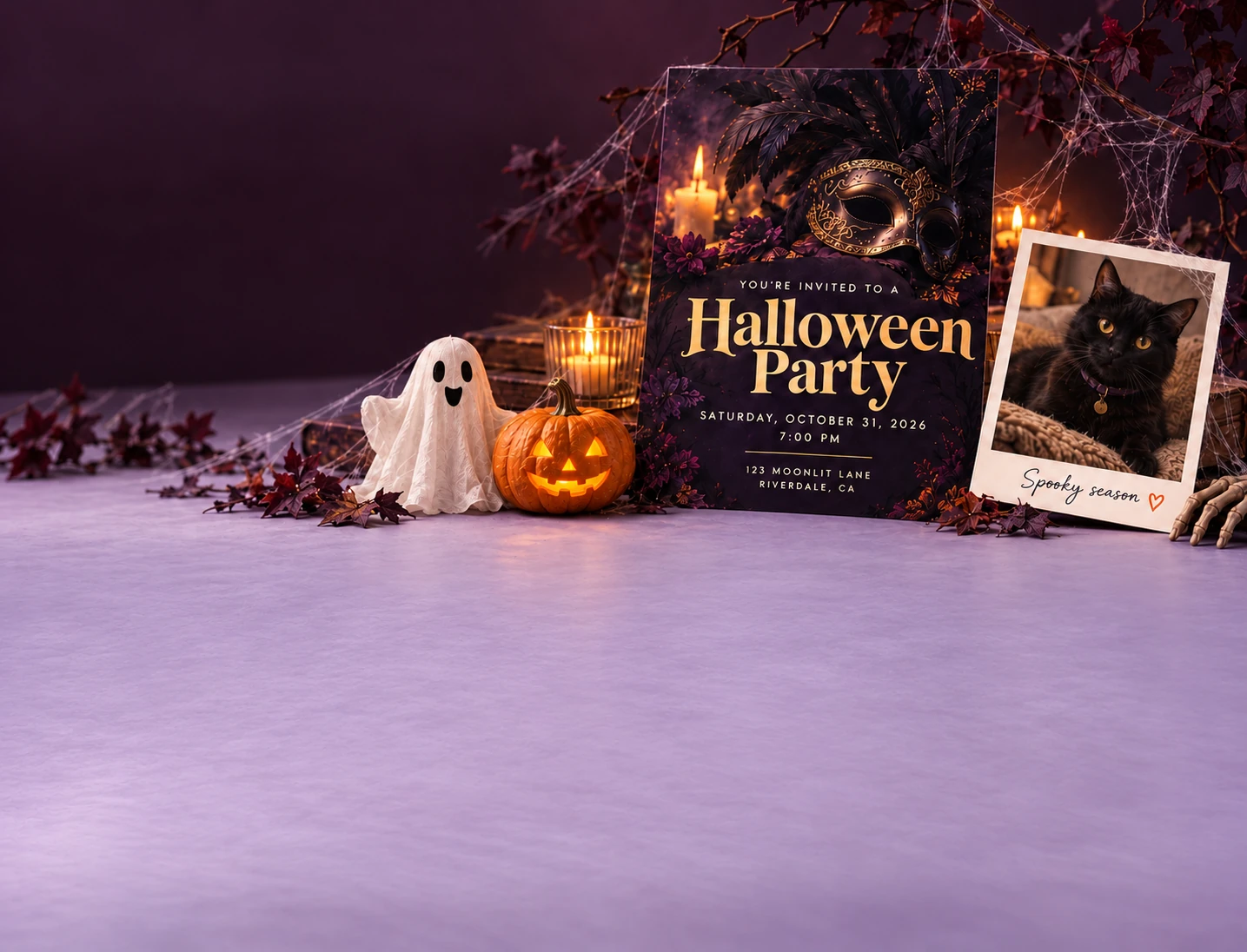
Create a photo, a party invite, a greeting—or bring it to life.
Start creatingA thoughtful greeting, a party worth dressing up for, or your pet’s spooky-season debut. Start with a design and add your own words.
Showing 6 of 34 templates
Three copies of one orange cat perform a roadside dance, each following its own movement track. A black hat distinguishes the center cat, while glasses mark the right-hand dancer.
Watch exampleA quiet walk along a glowing marigold path, ending with petals cupped in both hands. This Día de Muertos example follows one adult through a candlelit night scene.
Watch exampleA human portrait changes through wolf ears, a growing muzzle and fur before a final howl. Watch the ending closely: this sample becomes more wolf-like than a human-shaped werewolf.
Watch exampleTwo people meet on a golden stairway above the clouds. The traveler runs toward the waiting person and they embrace in this imagined reunion scene.
Watch exampleA lop-eared rabbit hops toward the camera along a bridge lined with glowing marigolds. Warm flowers and cool night light give this pet tribute a gentle pace.
Watch exampleA retro bedroom, a corded phone and an unexpected caller. As the person listens, a masked figure appears in the doorway behind them, setting up a short over-the-shoulder scare.
Watch exampleHalloween AI helps you make a greeting, invite friends to a party or give a pet photo a seasonal setting. Start with editable artwork, add your words, and choose a file to share or print.
Explore Halloween portrait and pet-photo concepts. Learn how to choose and crop a photo; AI transformations are not available yet.
Take a look →ExploreCreate a Halloween greeting card with editable messages and optional photos. Choose a design, personalize it, and export for sharing or printing.
Take a look →ExploreWatch 11 Halloween and remembrance AI video examples: dancing pets, horror reveals and marigold tributes. Compare photo needs, scene sequences and sample limits.
Take a look →ExplorePersonalize a Halloween party invitation with your date, time, location and RSVP details. Preview the finished design and download it.
Take a look →ExploreMake a Halloween event flyer or party poster. Customize the artwork, event details and layout, then export a design for print or social sharing.
Take a look →Create a personalized video from the photo form on each video template page. Review its credit quote before confirming. Cards, invitations and six-second design animations are available in the studio; standalone AI photo effects remain unavailable.
Watch three of our 11 generated video examples, from dancing pets to a quiet walk along a marigold path.
Three copies of one orange cat perform a roadside dance, each following its own movement track. A black hat distinguishes the center cat, while glasses mark the right-hand dancer.
Watch exampleA quiet walk along a glowing marigold path, ending with petals cupped in both hands. This Día de Muertos example follows one adult through a candlelit night scene.
Watch exampleA retro bedroom, a corded phone and an unexpected caller. As the person listens, a masked figure appears in the doorway behind them, setting up a short over-the-shoulder scare.
Watch exampleA card for a friend, an invitation for the party, or a flyer for everyone else. Pick the final shape before adding text.
Write your greeting or event details. Add a pet photo if you like, then adjust the crop, font and text positions.
Check names, dates and readability. Download PNG, JPG or PDF, or use an animation starter for a short MP4.
Create a personalized AI video from a template, or edit the words and photos in a card, invitation or flyer. Design-animation starters can export a silent, six-second vertical MP4.
Yes. Upload a clear pet photo as the design background and adjust the crop. Automatic costume transformations are not available yet.
Choose a page size and export a flat PDF. Source artwork is 1060 × 1484 pixels, so check a test print before enlarging it. Physical printing and delivery are not included.
Eleven video templates have generation forms with private reference-photo uploads and credit quotes. Open a template to check availability, review its sample and confirm a paid generation. Standalone AI photo effects remain unavailable.
One-time credit packs are listed on the Pricing page. Video requests show a credit quote before you confirm. The costume party flyer has free editing and watermarked previews; clear exports require signing in and reviewing a credit quote. The same unlocked project can be edited and downloaded again without another charge. See Pricing for availability.
Choose a card, edit the greeting and names, check the layout, and download a Halloween card for sharing or printing.
Take a look →GuidePrepare a clear pet photo or portrait, leave space for cropping, and keep Halloween card lettering readable over your image.
Take a look →GuideCompare Halloween image, print and video formats. Check dimensions, artwork quality and the difference between design animation and AI video.
Take a look →ExploreFind Halloween wishes for friends, family and coworkers. Edit a message, add a name, and use it in a matching card design.
Take a look →ExploreWrite a Halloween invitation with clear event details. Customize wording for costume parties, birthdays and gatherings, then add it to a design.
Take a look →